
Import your records into PigeonTree
Practical guides to bringing loft records, pedigrees and race results into PigeonTree, with supported file variants and real app screens.
Import is a PigeonTree Plus feature. The free app can still keep your records and create standard three-generation pedigrees.
Import CompuStam records into PigeonTree
Move supported CompuStam W50/W60 exchange records into PigeonTree. Check rings, parents and statuses before saving.
Import Pigeon Planner records into PigeonTree
Bring supported Pigeon Planner CSV, SQLite or ZIP backup records into PigeonTree and check parents and imported statuses.
Columba XT archives: compatibility and limits
Check the limited Columba XT archive reader in PigeonTree and understand what has and has not been validated before trying a file.
Import CSV, Excel and other data files into PigeonTree
Import supported CSV, TSV, XLSX, ODS, DBF, SQLite, JSON, XML, HTML and ZIP data with a review of rings and columns.
Import pigeon records from a PDF or photograph
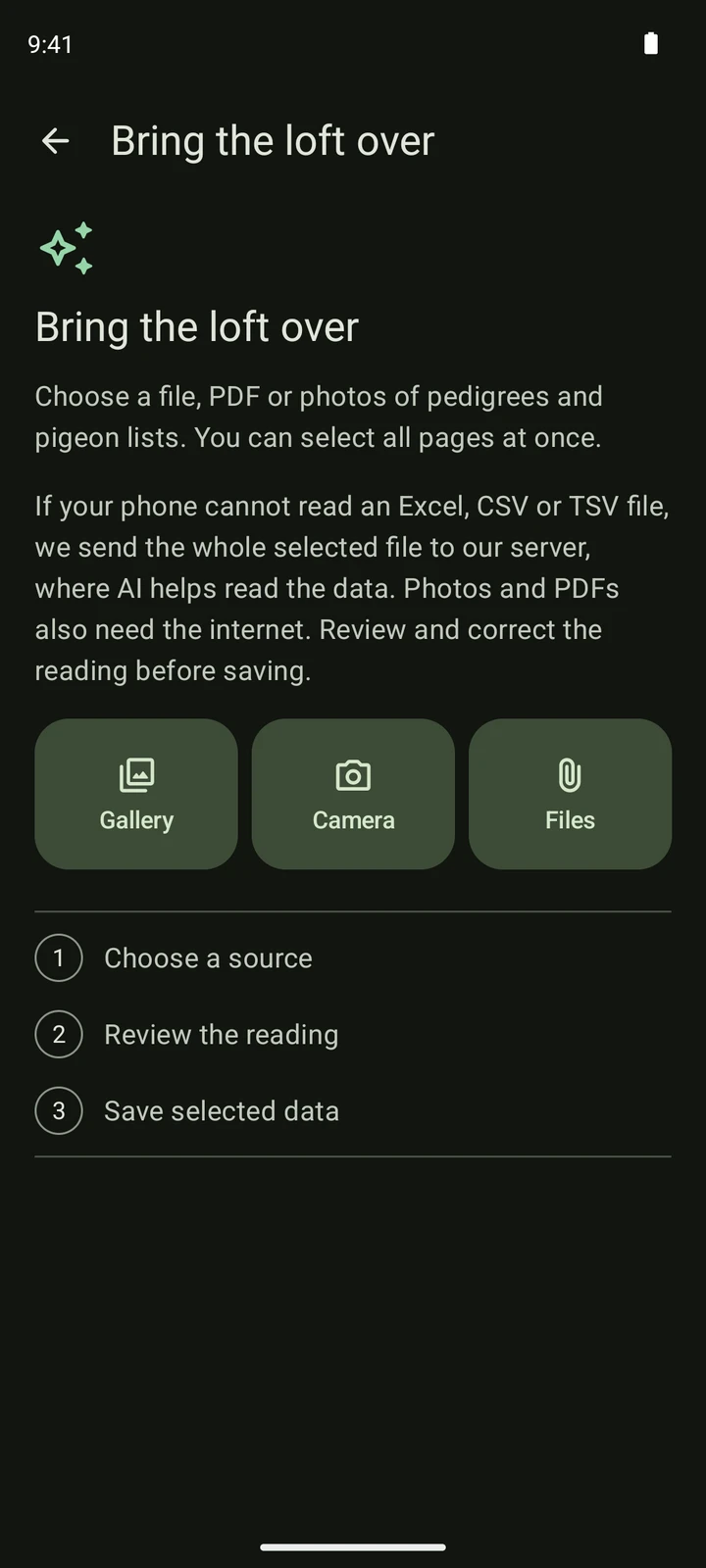
Read pedigree PDFs and photographed pigeon lists in PigeonTree, then compare and correct the AI reading before saving.
Import race results and clock exports into PigeonTree
Import supported BENZING Live and TIPESCom CSV exports, race tables, PDFs or photographs with an explicit race review.